Dashboard Tour
Last updated: September 11, 2025
Overview
The Slang customer dashboard (ilove.slang.ai) is the heart of your concierge. From here, you can view analytics, adjust Concierge responses, edit Settings, and more!
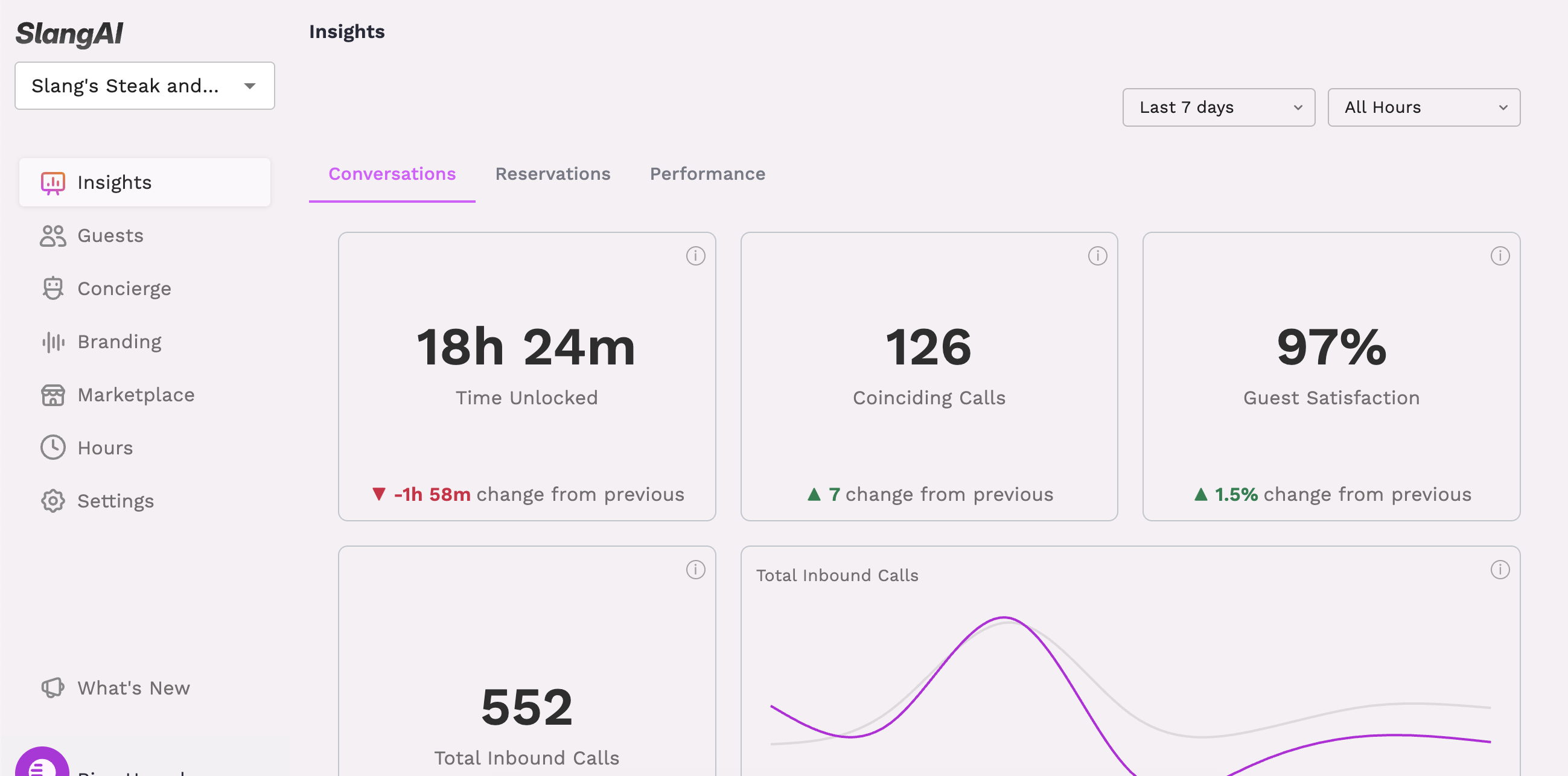
Insights
The Insights tab is your overview of your concierge's stats. This covers the high-level information from how many inbound calls Slang has answered, to a conversation breakdown by topic.
Want more info?
A full explainer of the Slang Insights pages can be found here.
Guests
The Guests tab shows you the calls coming in, and our Core and Premium customers can view conversation summaries for each call here.
We will be adding to and improving the functionality of this page, so stay tuned for updates!
Want more info?
A full run-down on the Guests tab can be found here.
Concierge
On this page you'll find all of the configurable response topics. Check to make sure this information is accurate, as this is the main communication center. These configurations are directly connected to what callers will hear when they phone your restaurant.
Need more help?
A guide on configuring your topics can be found here.
Branding
The Branding page is where you'll find customization options for your Concierge's voice, greeting, and more!
Need more help?
A guide to everything on the Branding page can be found here.
Marketplace
The Slang Marketplace is a growing center of integration management. Check to see if your integration is successfully connected and manage current or new integrations from here.
Hours
The Hours page currently houses our Scheduled Support Hours feature. Tell Slang when we can patch callers through to your staff, and let us know how your guests can reach out when you're not available.
We will be adding to and improving the functionality of this page, so stay tuned for updates!
Settings
The Settings page contains some overall inputs for your Slang concierge, such as any links or email addresses we offer callers via SMS. If you change your menu on a seasonal basis, or you recently hired a new manager to field after-hours emails, you'll want to be sure to keep this page updated.
Need more help?
More information about the Settings page can be found here.
What's New
We have in-app release notes to keep you updated on all of our feature releases. Click on "What's New" to get a preview of those features, and get links to set-up guides or to learn more.
Additional Menu
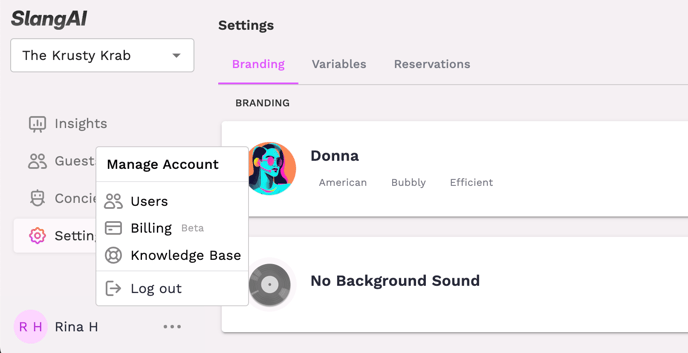
In the three dot menu on the lower left side, you'll find the options to log out of your account, manage users, update payment methods, and open up a search page for this Knowledge Base. Our dedicated support team is available to help with any questions you might have, so don't hesitate to reach out!