Branding
Last updated: August 27, 2026
Your Branding page is where you'll customize the Slang Concierge features that impact caller experience.
Voice Selection
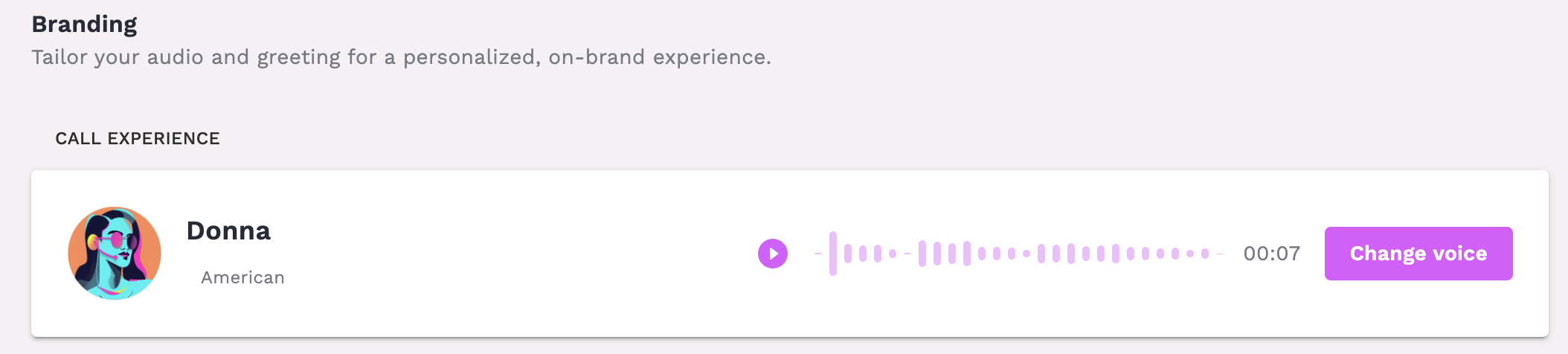
You can sample and change the voice of your concierge at the top of the Branding page. Descriptors of each voice will also be provided so you can choose what's best for your brand.
Branded Greeting
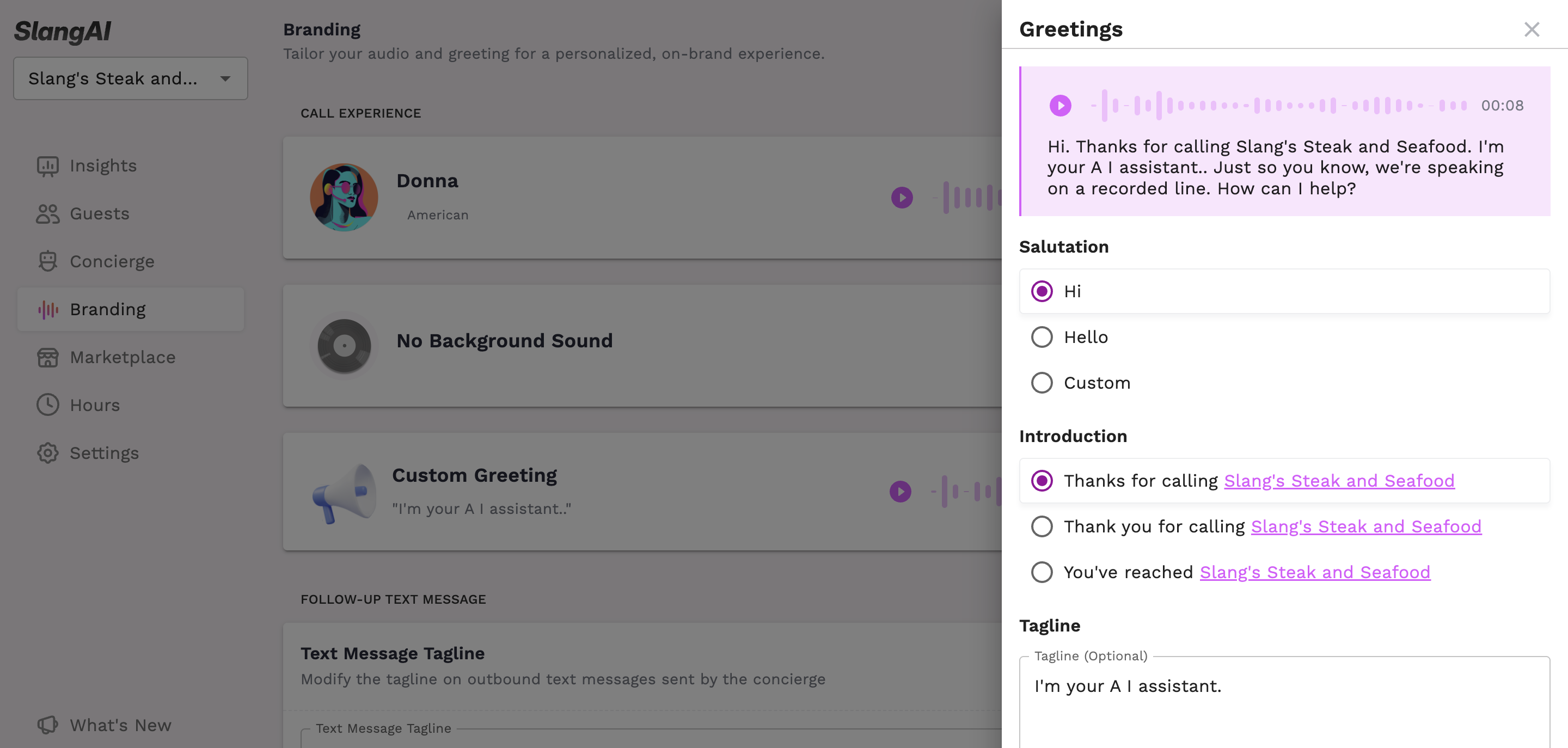
The Greeting is the first touchpoint that your guests have with your Slang concierge. All customers can add an optional tagline to promote an event, a new menu, announce holiday hours or closures, or include a message about your venue. Customers with a Premium subscription will have more options for customizing the greeting language to fit their brand.
To customize your greeting tagline:
Log in to your Slang dashboard
Select "Branding" from the left navigation menu
Locate the greeting text box in the Branded Greeting section
Edit your tagline to include promotions, operational updates, or custom messaging
Custom Text Message Tagline
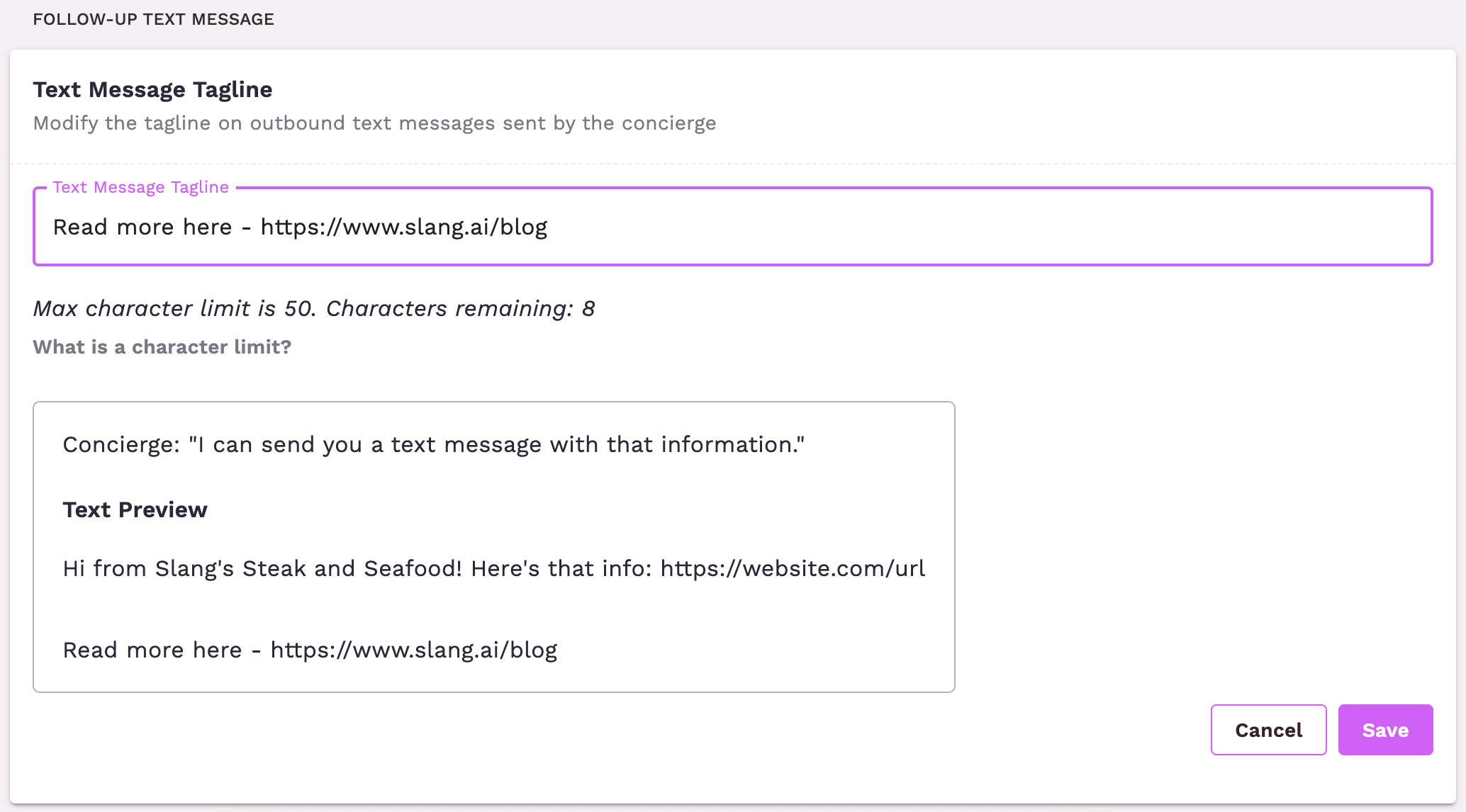
Sometimes on a Slang call, guests will be offered a text message with direct contact information or a link that is relevant to their needs. At the bottom of each text message by default will be a Slang byline, "Call handled with ❤ by Slang.ai"
Premium subscription holders can customize this tagline with a slogan, promotion, or link to a rewards program.
If you update a tagline link, we recommend using a well-known shortening service like bit.ly to avoid the message being flagged as spam. If you update a tagline link, give your Slang number a call accept the text message and review to confirm the link is shortened and not flagged by your carrier.