Getting Started: Slang + Yelp Bookings Integration
Last updated: September 2, 2026
The Slang integration with Yelp Bookings facilitates standard bookings that do not require a credit card, seamlessly via a Slang call.
Superhost is not compatible with the Yelp Integration,
Connecting your Slang Concierge to Yelp
Log into the Slang dashboard at ilove.slang.ai
Select the venue you’d like to connect to Yelp, and click on the Marketplace tab on the left side of the screen.
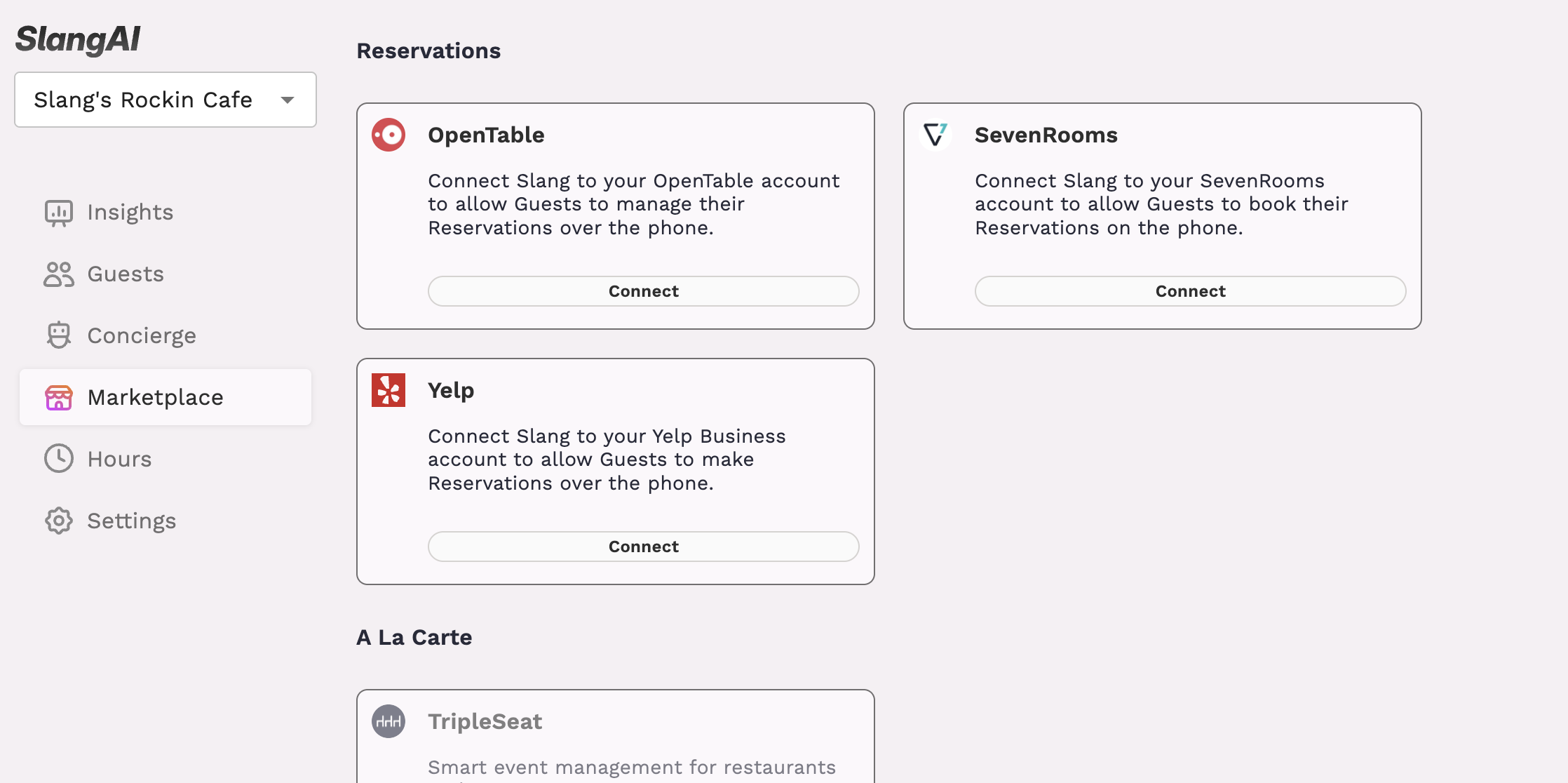
Open the Marketplace tile for Yelp.
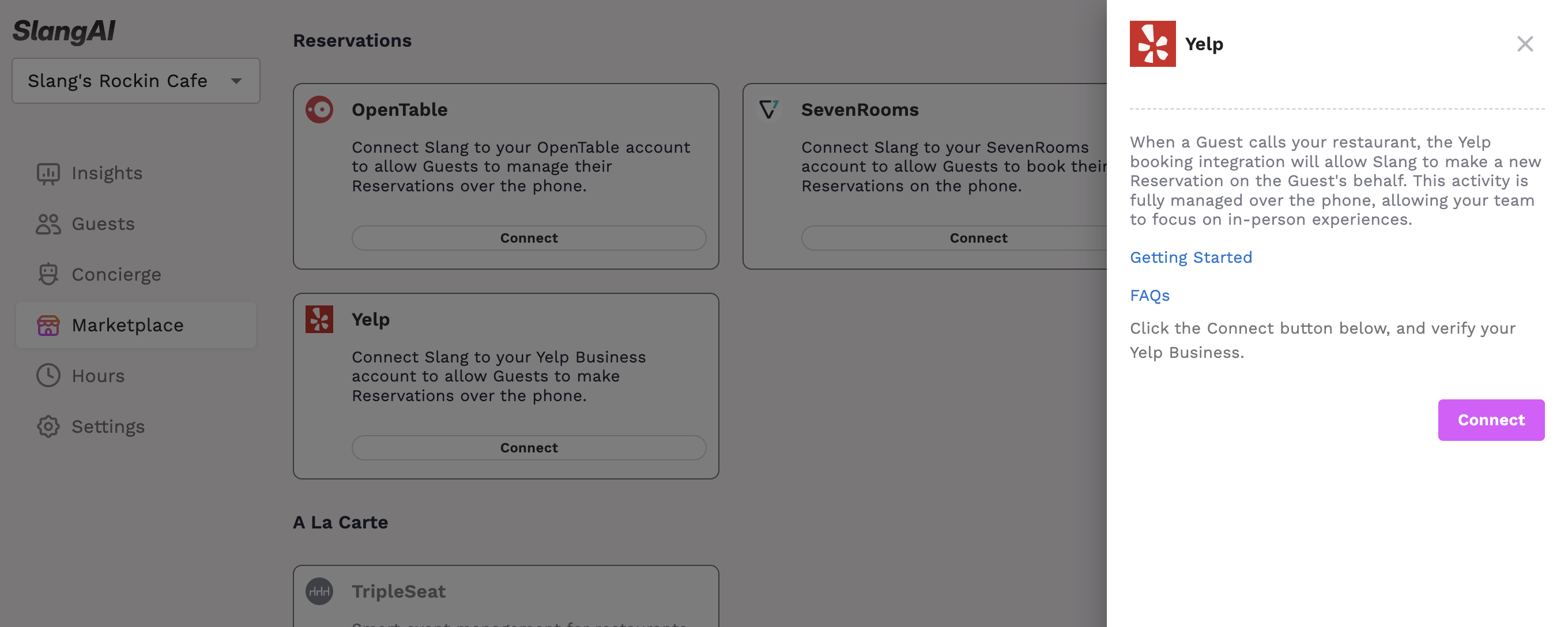
When you click on Connect through the Marketplace, we will search your name and location as it exists in Google, and surface the closest business we find.
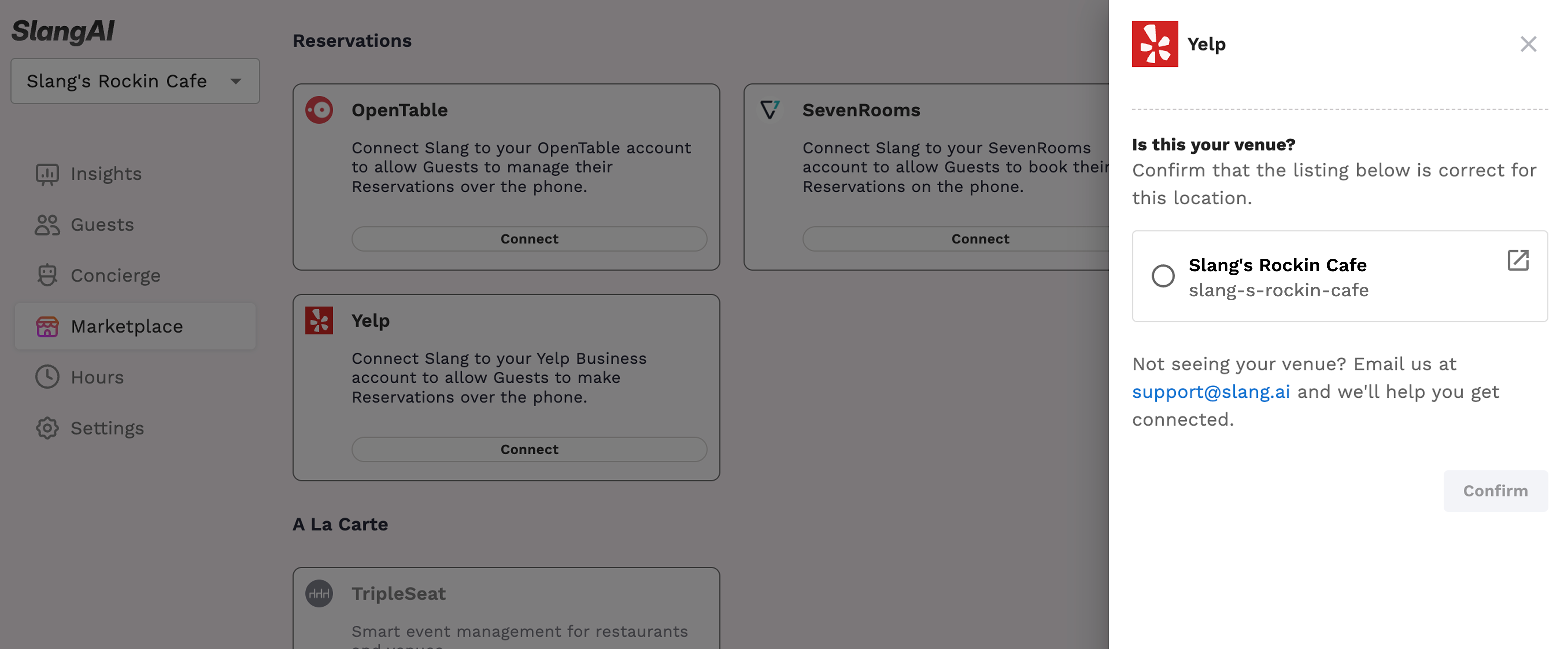
Select your business and press Continue.
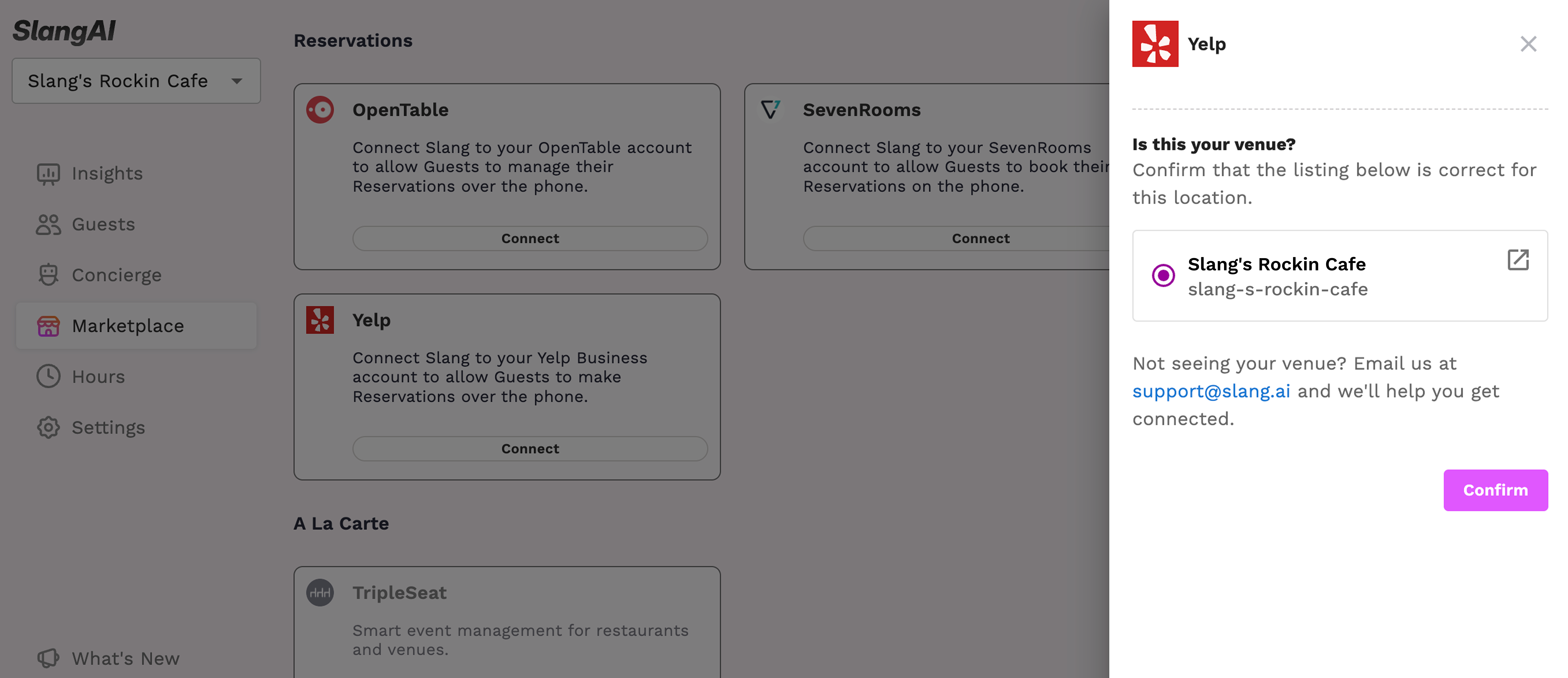
You’re connected!
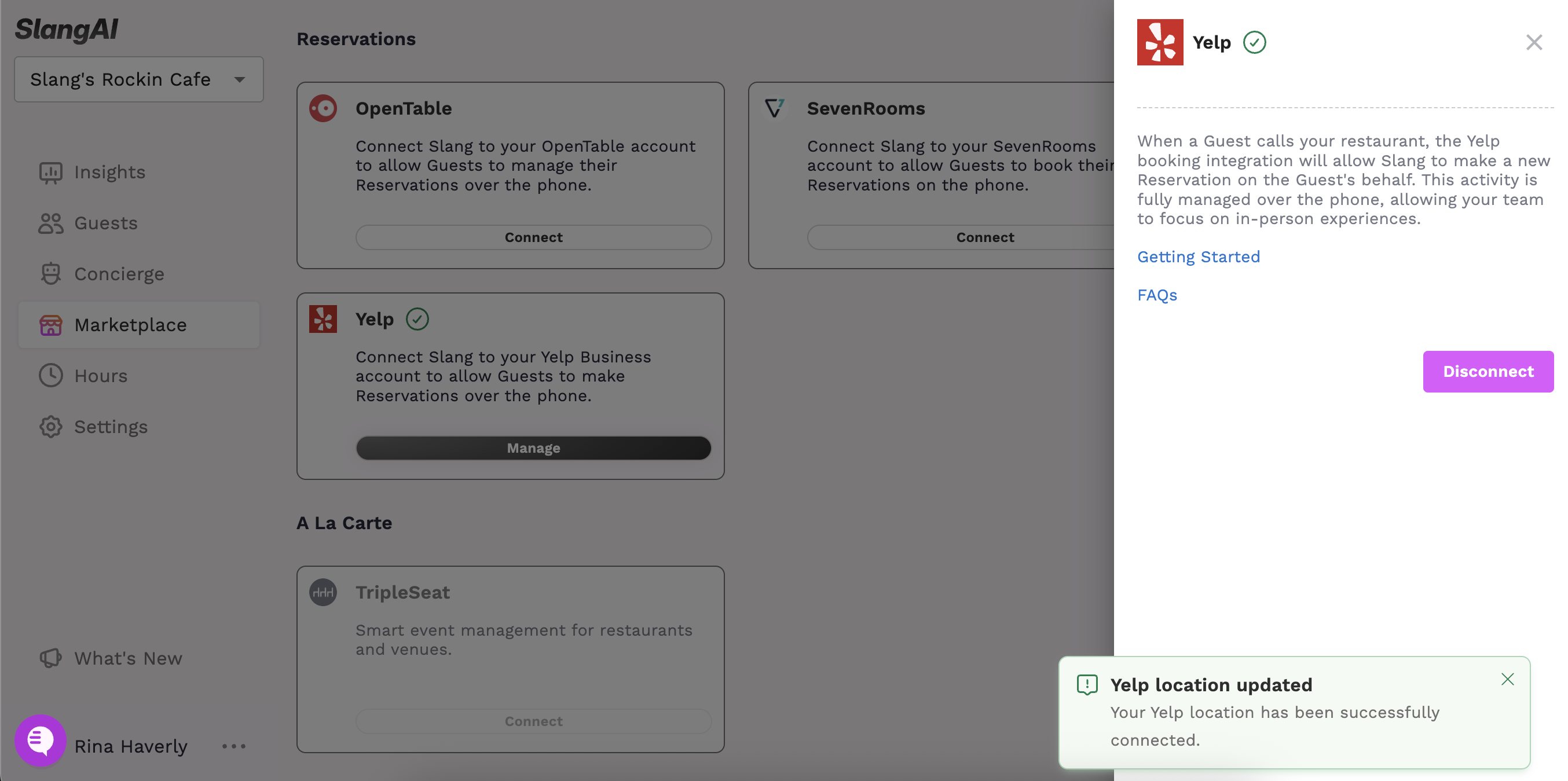
If you have multiple Slang Concierges to connect, use the drop-down on the upper left to move on to your next venue.
Note: Yelp’s Business search is restricted: Only Restaurants with Yelp reviews are able to connect to the integration.
If you don’t see your business listed, reach out to support@slang.ai for help.
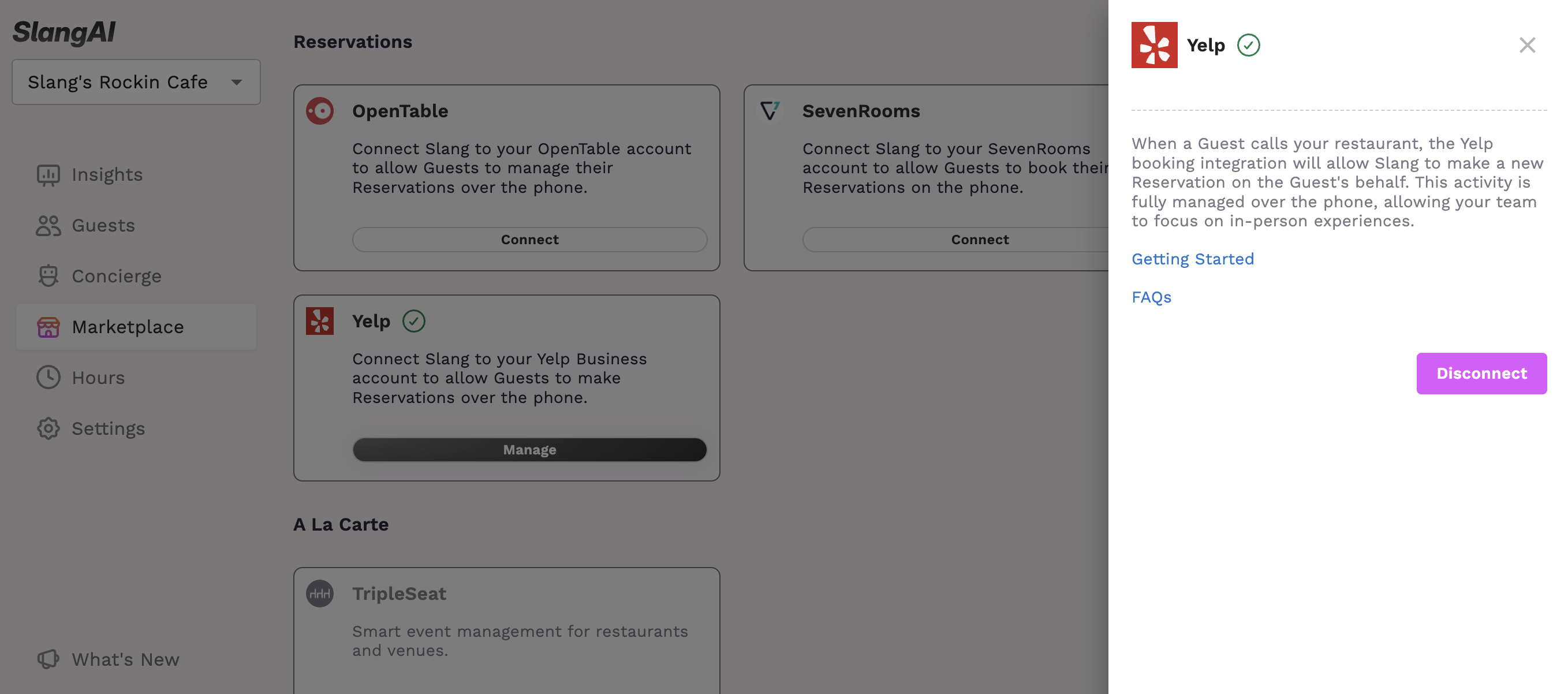
If you need to Disconnect your Slang + Yelp Bookings integration, you’ll do that by clicking on Manage, which will open the drawer where you’ll find the button to Disconnect.
Who has access?
Slang customers paying for our Core or Premium subscription packages will have access to the Yelp Bookings integration through the Marketplace Page. If you want to use the Yelp integration, and you don't see this in your Marketplace, reach out to support@slang.ai for help!