Tripleseat FAQs
Last updated: September 11, 2026
Is the Tripleseat Integration compatible with Superhost?
Yes, the Tripleseat Integration is compatible with Superhost.
How do I reconfigure my Tripleseat Integration if the connection has failed?
Please see the below instructions:
Step 1: Disconnect the Tripleseat Integration
Log into the Slang dashboard at ilove.slang.ai
Navigate to Slang’s Marketplace page.
If you see this warning icon, proceed to disconnect and reconnect via the instructions below:
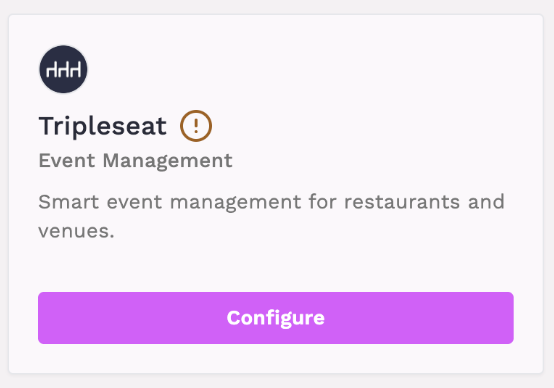
On the Tripleseat tile, click Configure.
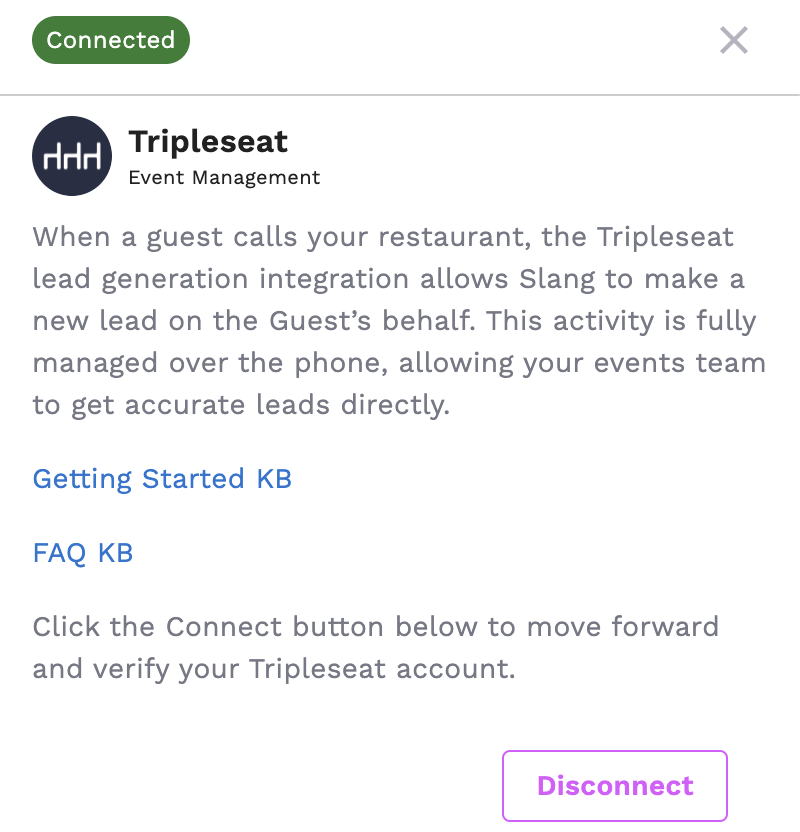
This opens up a drawer on the right; click "Disconnect"
Follow the prompts to disconnect
Step 2: Reconnect the Tripleseat Integration
Select Connect on the Tripleseat tile.
Select Connect in the drawer that opens on the right.
Follow the prompts on the Tripleseat window to reconnect.
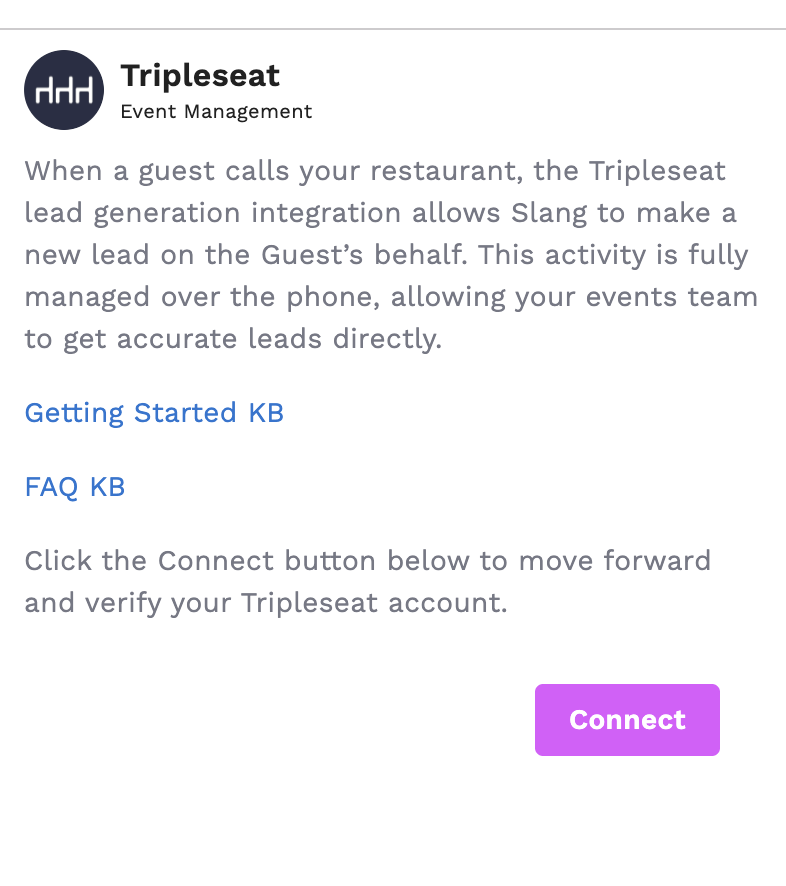
Once you're authenticated, re-open the drawer by clicking Configure and select the Tripleseat account that this particular location should feed new leads into.
Step 3 - Toggle Private Event Settings to Tripleseat
Navigate to Reservations on the left menu of your Slang interface
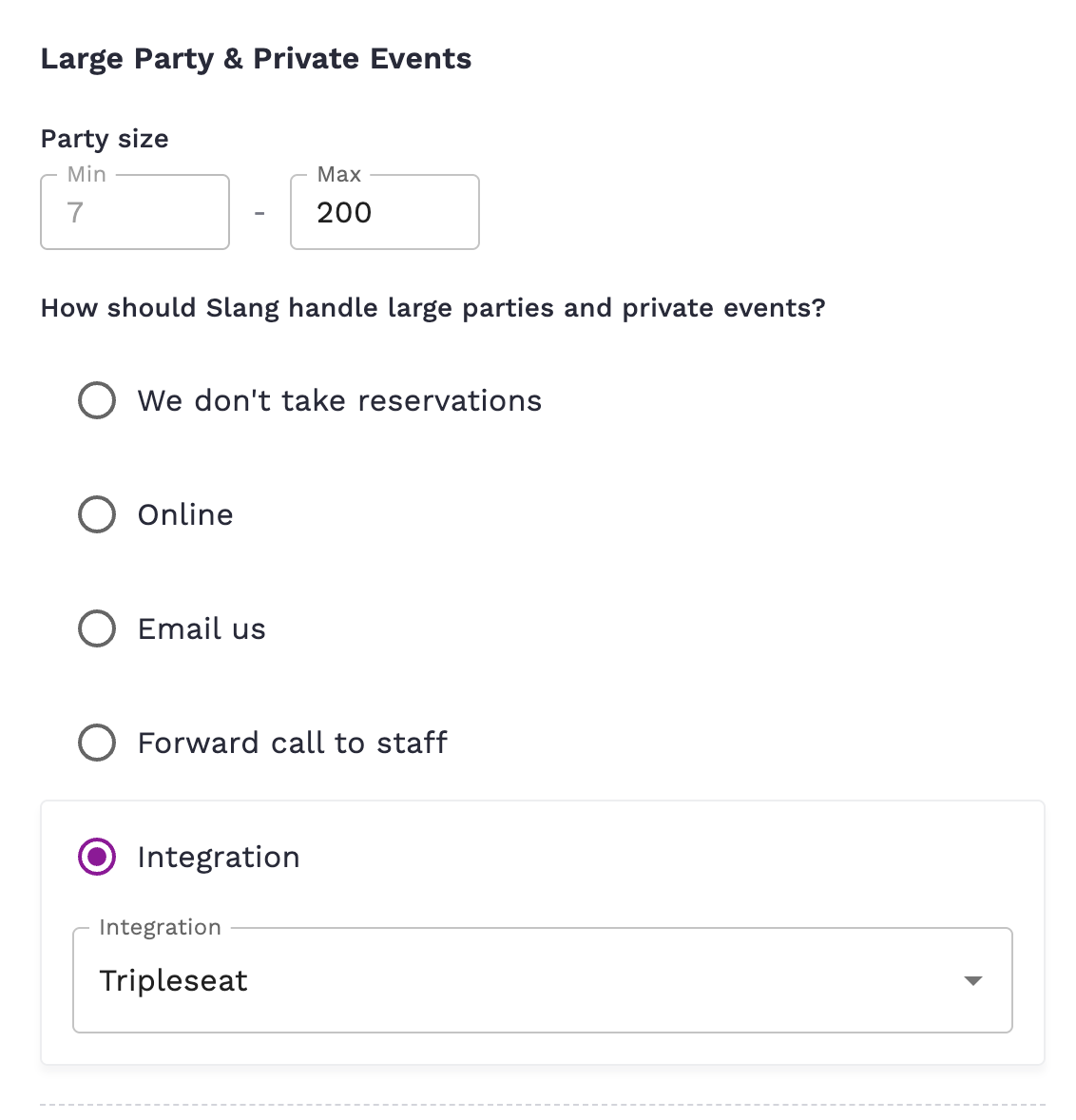
Scroll down to Large Party & Private Events
Toggle the following -
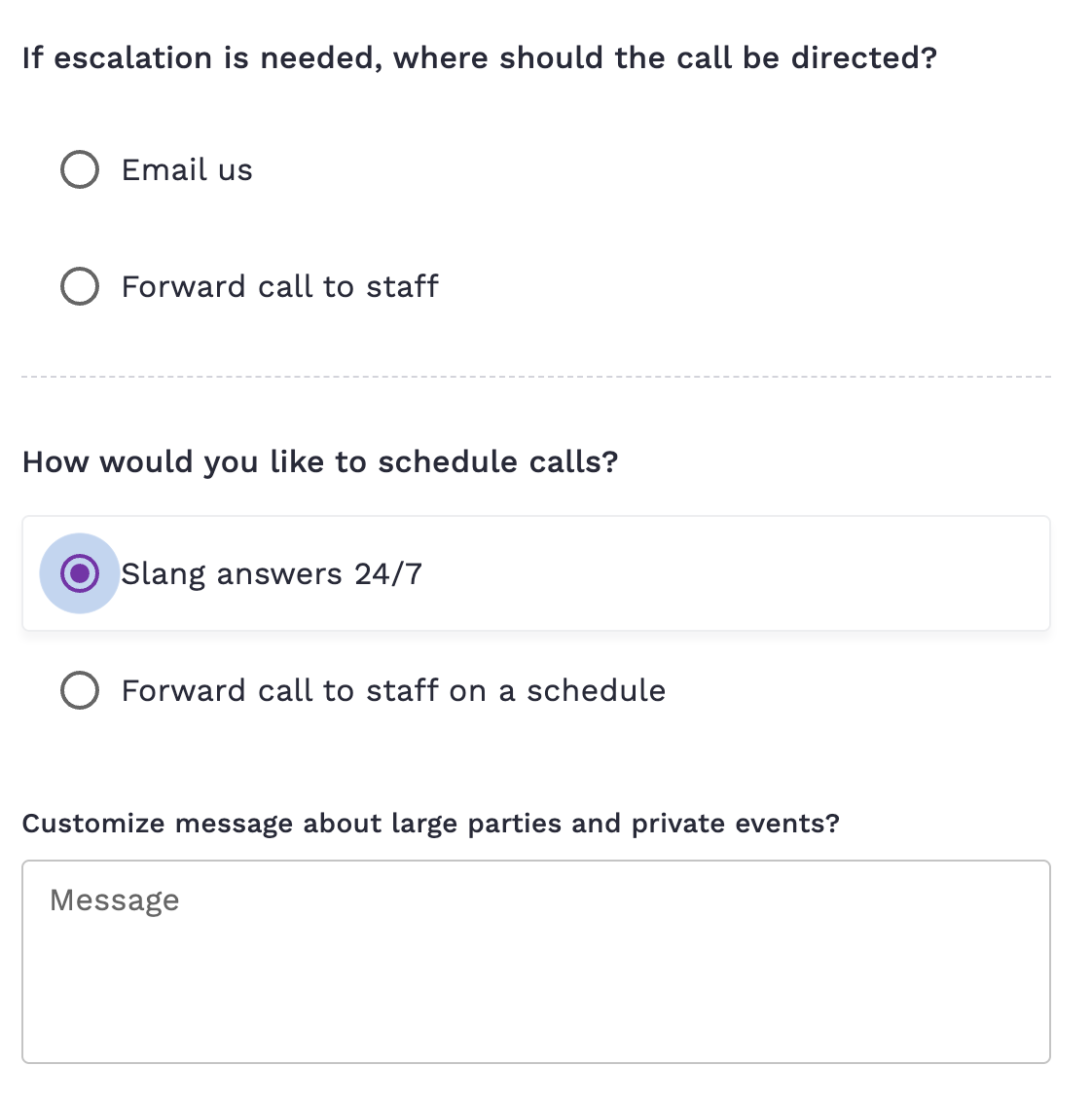
How should Slang handle...? Be sure Tripleseat is selected for the right party size grouping.
If escalation is needed, where should the call be directed?
How would you like to schedule calls?
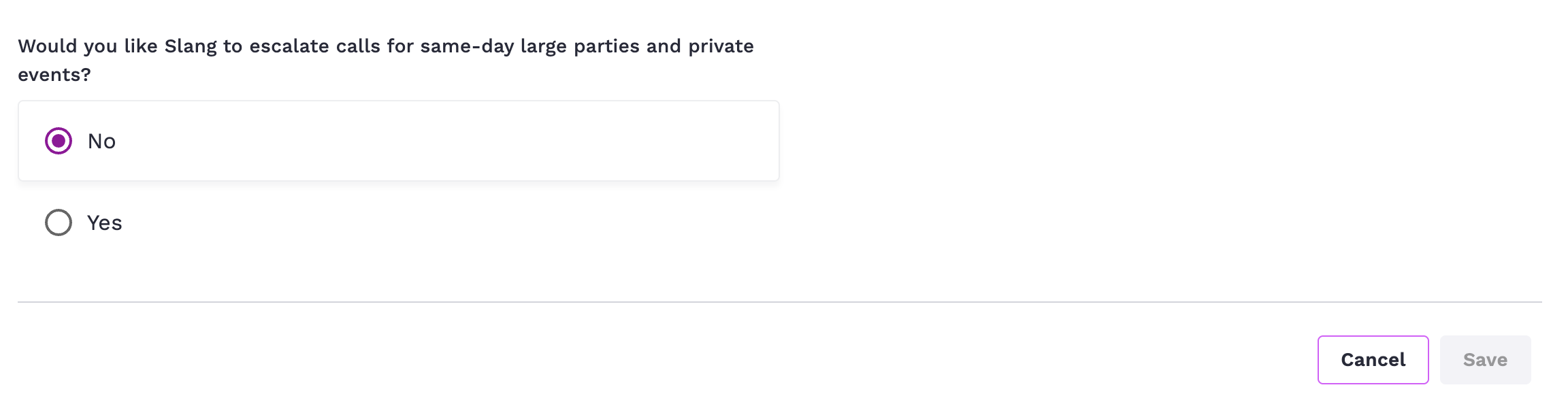
Would you like Slang to escalate calls for same-day large parties and private events?
Use the "Customize message about large parties and private events?" to customize a response.
Once each setting has been toggled, click Save in the lower right.
What can the integration do for my guests?
Slang’s integration with Tripleseat allows your AI voice agent to add leads directly to Tripleseat by intaking the guest details provided over the phone.
What is the caller experience?
Guests who ask about private events will hear a “preamble” explaining the process, and then answer a series of questions that populate the lead in Tripleseat.
Introduction: “I’ll ask you a few questions about your event and save your responses. Our team will review this info and get back to you as soon as we can.”
The Slang agent asks these questions:
What’s the occasion?
Confirms phone number
Date
Ideal start time for the event
Party size
Description
First and last name
How does event time appear in Tripleseat?
After asking for the date, the Slang agent asks: "What's your ideal start time for the event?" To keep the conversation short and easy to complete, only the start time is collected from the caller. The end time is automatically calculated as the start time plus three hours, and both are passed to Tripleseat via the API.
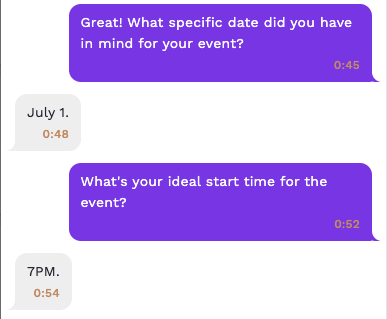
The event time appears alongside the date in the Tripleseat lead's Event Details.

How does Slang get a caller’s email address?
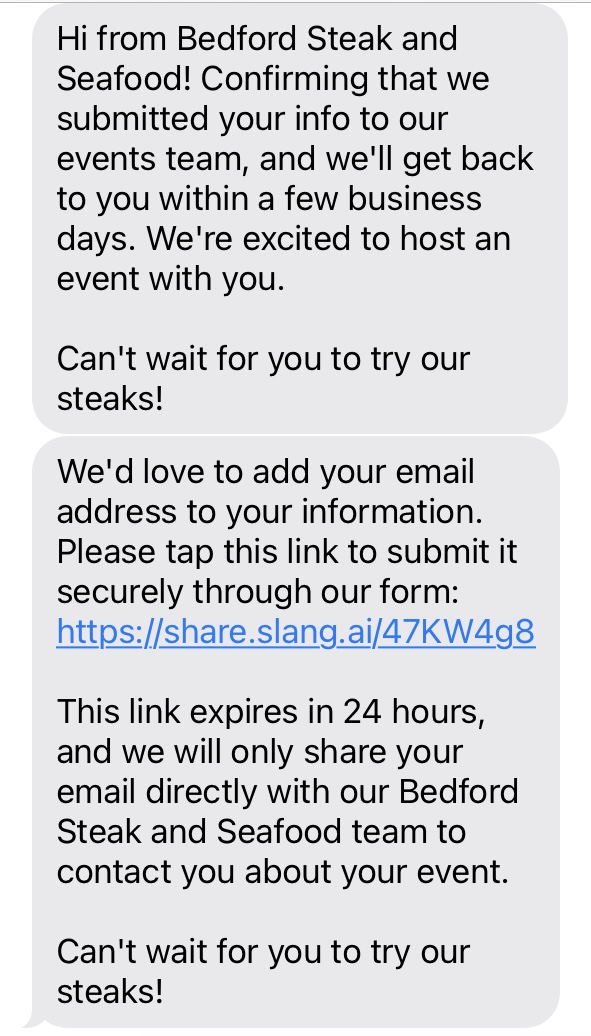
After the call is complete, customers get a text message confirming their submission, as well as one requesting to add their email address via a secure link. This email address is added to the lead that was generated during the call.
If the caller doesn't add their email right away, a second reminder text goes out 2 hours after the call, noting that the link expires in 24 hours.
Because email addresses are so important, we researched the best way to get a caller’s email address efficiently and with 100% accuracy. Having customers type out their email address is much more reliable.
Can the Slang Concierge forward private events calls directly to me?
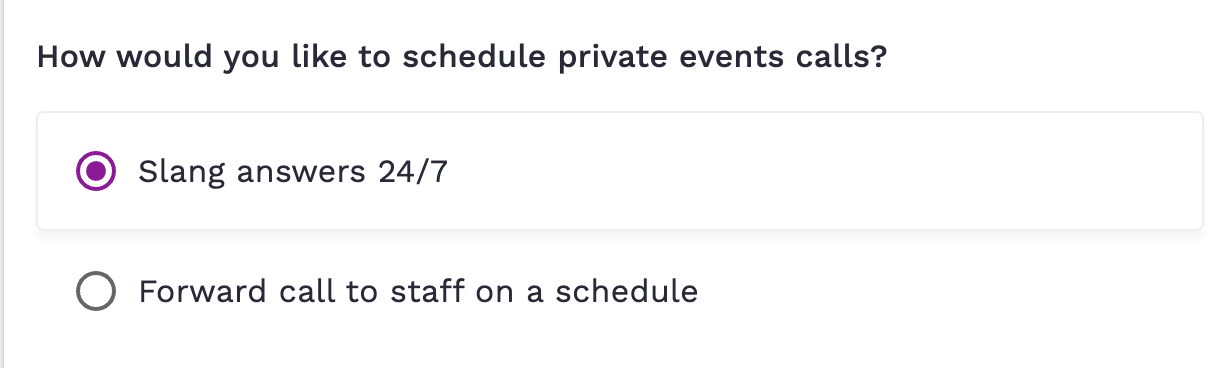
Yes, you can set up Private Events to ring through to you directly on a schedule of your choosing, and let Slang answer calls outside those hours.
To set up conditional forwarding, select Forward call to staff on a schedule, and you can customize the days and timeframes when calls go to you.
There are 2 other pathways for a guest to get through to a team member:
Callers can reach your team if they ask to speak to a person during the Tripleseat flow. You can select a specific phone number to forward these calls to in the Private Events configuration.
If the lead is unable to be generated due to an error, calls will be escalated to the number saved in the Private Events configuration.
Why can’t I select the Tripleseat Connect button?
If your Tripleseat Connect tile is grayed out, this means your account needs to have Tripleseat added to your contract and pricing.
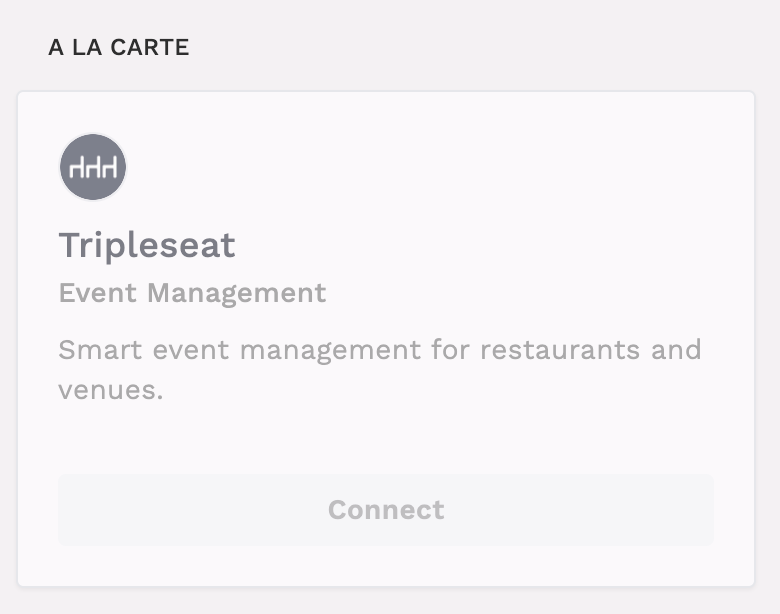
In order for the Tripleseat integration to be active, your contract and pricing need to be set up first. To get your account updated, please contact your account manager, or email us at support@slang.ai.
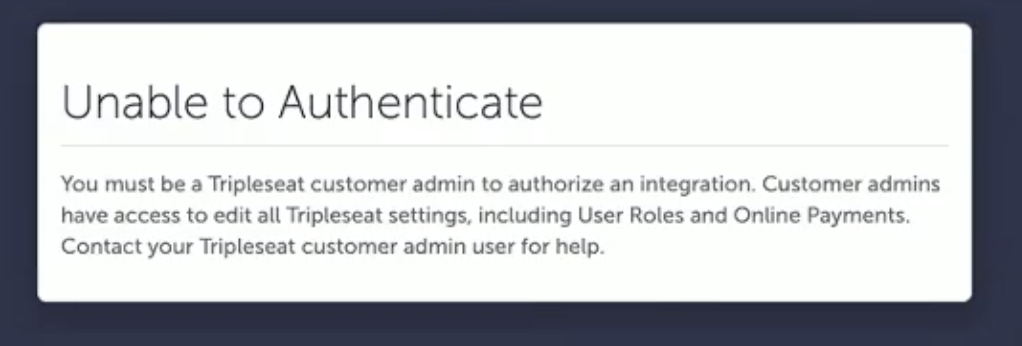
Why am I seeing "Unable to Authenticate"?
If you attempt to connect, and see this message, there are a few steps you can take.
Troubleshooting steps:
Ensure that the email address you use to log into Slang matches the email address you use to log into Tripleseat.
Ensure that your Tripleseat account has Customer Admin user permission. If your permission level is simply Admin, then your permissions level needs to be updated.
If you do not have Customer Admin user permission in Tripleseat, contact the person at your business who has this access. You can ask them to upgrade your permissions, or have them complete the authentication step, which only has to be done once.
Why can’t I select the Tripleseat radio button in the Private Events Concierge topic?
If the Tripleseat radio button is grayed out, you can troubleshoot by checking these things:
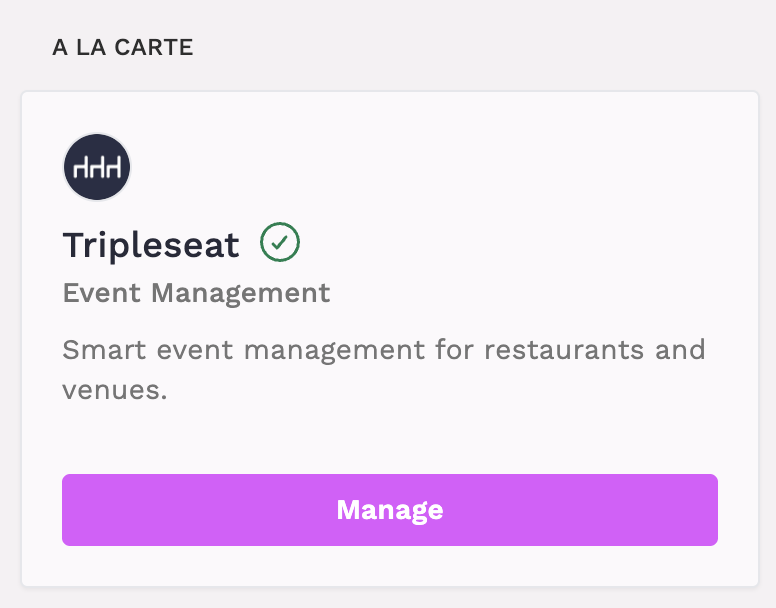
On the Marketplace page, ensure that your Tripleseat account is connected. When it is fully connected, the tile will have a green checkmark like this:
If you aren’t able to connect successfully, please reach out to support@slang.ai.
Does Slang’s concierge work for landline callers too?
Yes, the Slang concierge can generate a lead when a guest calls from a landline, or a cell phone. Landline callers will not be offered a text confirmation.
How will I know it’s working?
When you call your AI Host and ask about private events, it will begin the lead generation process, asking for event information and contact information.
You can place a test call, complete the leads process, and log into your Tripleseat account to ensure the lead appears in your leads queue.
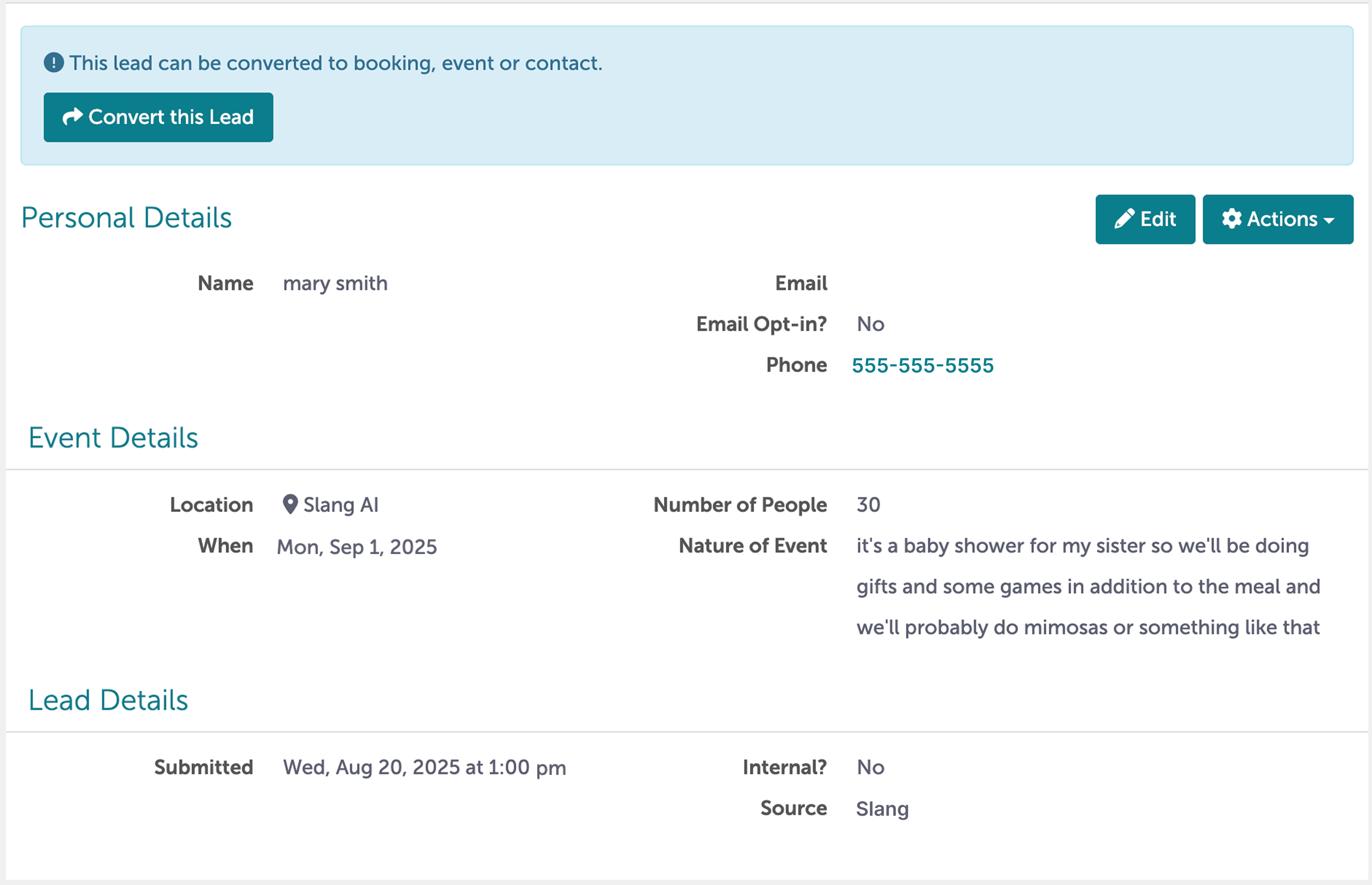
Your Slang initiated leads in Tripleseat will be created with Slang as the source:
How do I disconnect the Tripleseat integration?
Log into the Slang dashboard at ilove.slang.ai
Navigate to Slang’s Marketplace page.
On the Tripleseat tile, click Manage.
This opens up a drawer on the right; click Disconnect.
When you Disconnect Tripleseat, the Concierge topic reverts back to Unconfigured. Remember to go to the Concierge topic and select how you’d like Private Events calls to be handled.
How can I upgrade to take advantage of Tripleseat Integration?
Contact your Account Manager, or email us at support@slang.ai. We’ll be happy to update your account.