Reset or Change Password
Last updated: June 4, 2026
Forgot your password? We can help!
If you've forgotten your password or simply need to change it, follow these steps:
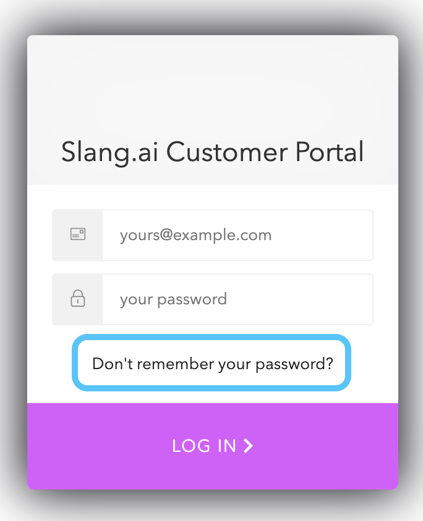
Visit the login page at ilove.slang.ai
Click the "Forgot Password" button
Enter the email address you use for your account to receive a password reset link
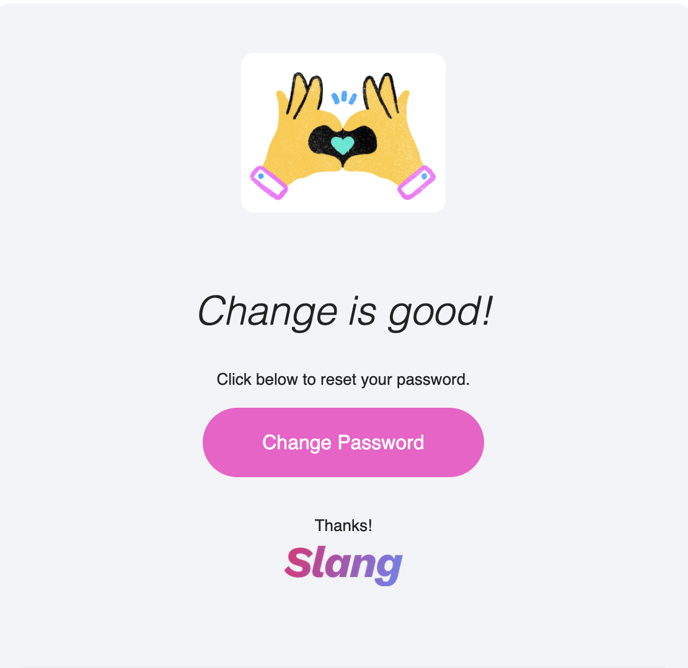
You'll receive an email from support@slang.ai titled "Slang Password Change Request." If you don't see it right away, please check your spam folder.
If you don't receive your password reset email within 15 minutes of request, please email us at support@slang.ai and we'll be able to assist.