Connect your Slang Concierge to your Google Business Profile!
Last updated: September 22, 2026
What has Slang been doing until now?
Slang has used the Google Places API that allows us to give callers the same information that’s publicly available online. This means today, and the next seven days.
What’s changing?
By connecting your Slang concierge to our Google Business Profile Integration, your concierge will now know everything about your operational hours, including any future changes to your holiday hours or any special closures or events.
How do I set it up?
Log into ilove.slang.ai and navigate to the location you’d like to connect.
Click on the Marketplace tab.
Scroll down to the Google tile and click on Connect.
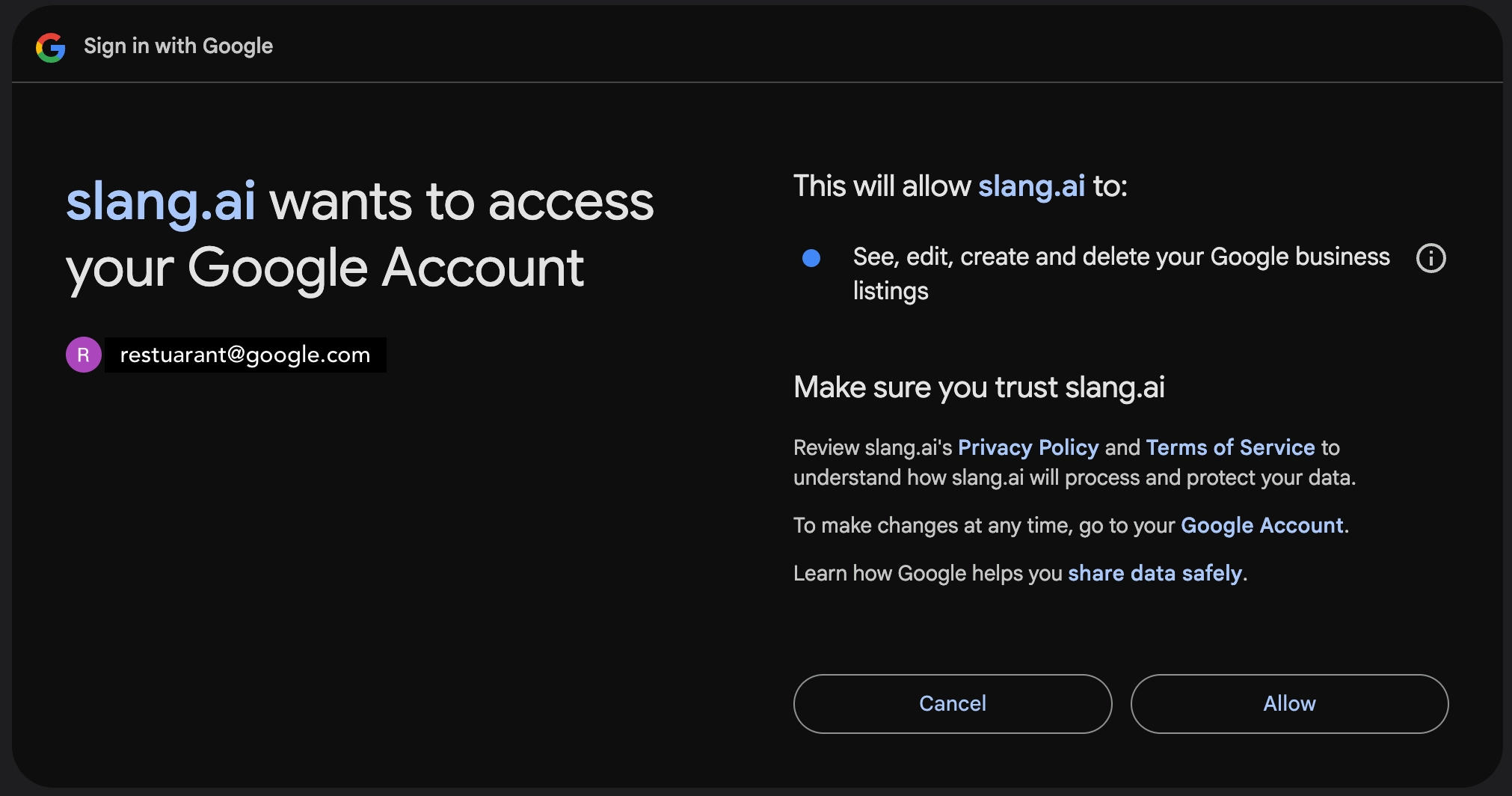
Click on Sign in with Google
Choose your email address that has access to your Google Business Profile on the next screen.
Authorize slang.ai by hitting Allow.
Note that the authorization looks broad, but our scope for the integration is very narrow: Reading business hours ONLY. We will not edit or delete any of your profile data.
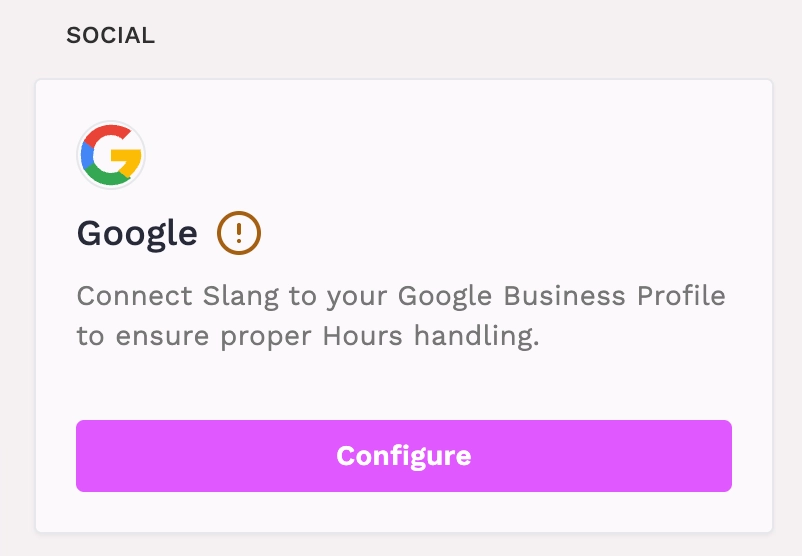
You’ll return to the Marketplace page. Go back to the Google tile, click Configure.
Select the matching Google location from the drop-down menu (some users will have multiple profiles to choose from). Then click Connect.
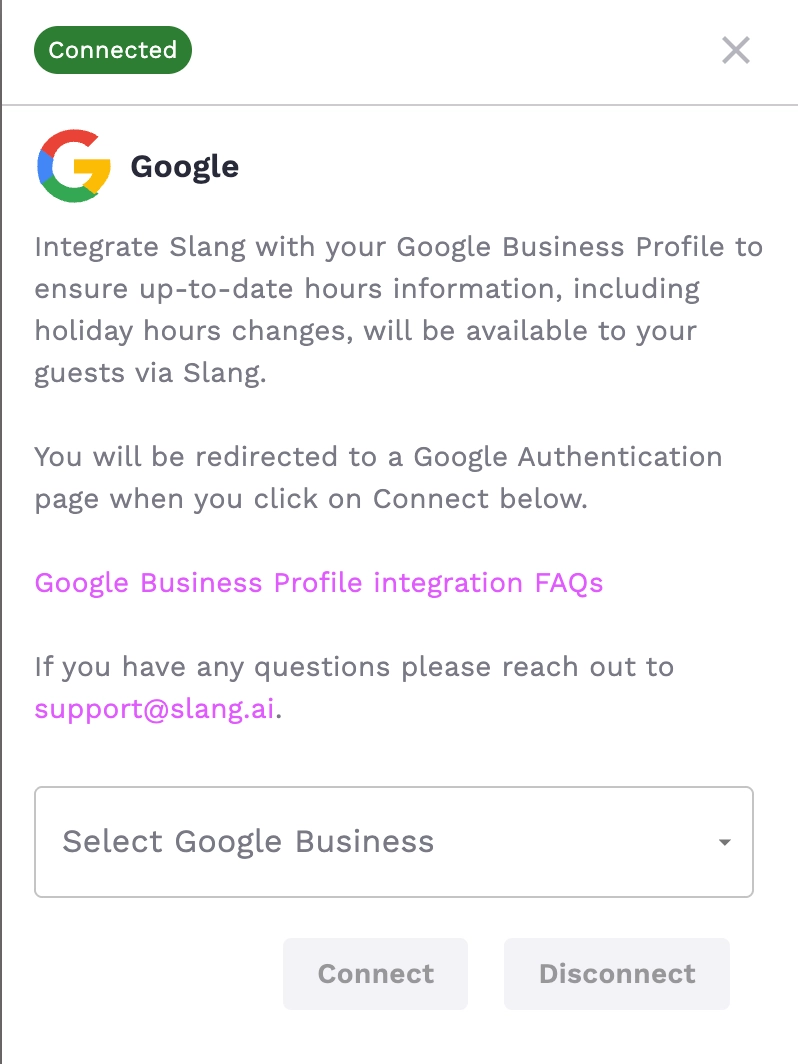
That’s it! This should take about 2 minutes of your time.
How do I disconnect the Google Business Profile Integration?
Sign in at ilove.slang.ai
Go to the Marketplace Page
Scroll down to the Google Business tile.
Click on Manage.
Click on Disconnect.
Troubleshooting/FAQ:
Q: My hours aren't being read correctly, how do I fix this?
A: Ensure you have connected the correct Google Business Profile in the Slang Marketplace. You can verify which Google Business Profile by clicking on the Google Tile in the Marketplace.